
How to submit your models to Aladdin Model

Updated: Jul 14
As you know, we developed the Online Slicer software to protect your intellectual property by never sharing STL. Users can slice the files using our online slicer and only download sliced files. However, the submission format we require is very specific, here is what we need.
1) Ready-to-print project files

Organize all parts of your design in your slicer (preferably Chitubox) assuming a print size of 211*118*220mm / 8.31x4.65x8.66 inch and save it in the project file format (.chitubox, .lys, etc).
Make sure all parts fit in the aforementioned print volume, otherwise you need to cut the parts that are too large so everything fits. Don't forget to add connectors after cutting the parts.
All plates should be ready to print, each part should be hollowed, oriented, and supported for printing. Make sure that the parts are separated and supports are removable.
Create as many project files as you need, the number of plates will determine the number of sliced files the user can download.
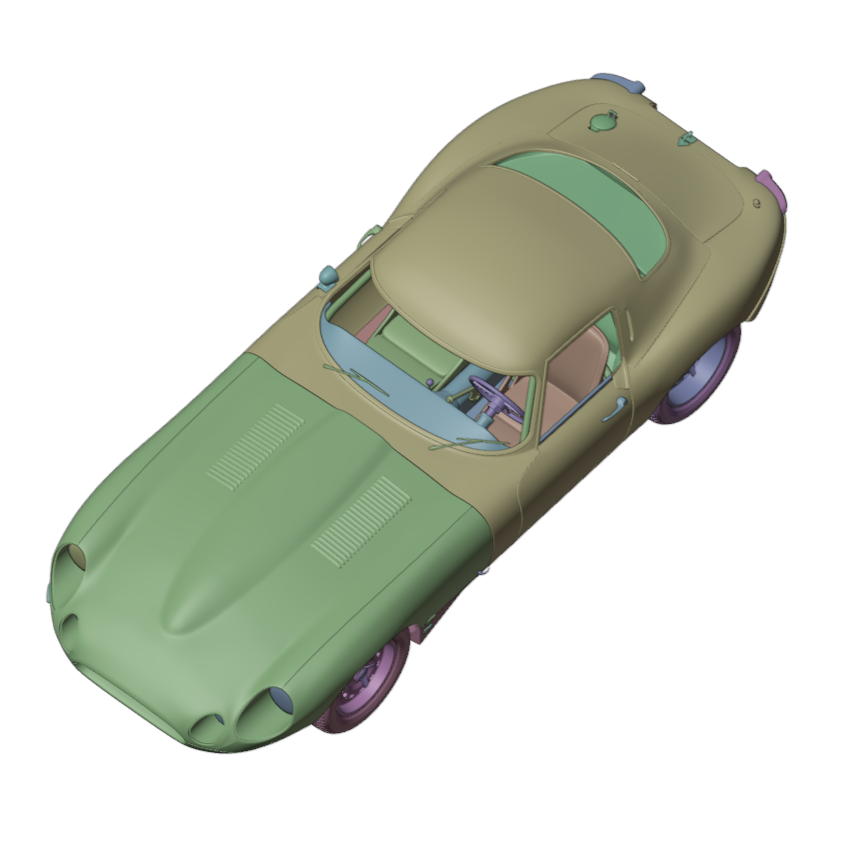
2) Blender files with separated parts, correct part orientation and position

Import all parts of your design into a blender (free software) file (.blend).
Each part should be separated and have correct position and orientation as the model is assembled.
We need this export to understand how the model should be assembled, and take screenshots.
3) Reference pictures would be helpful
We always put screenshot of your model next to pictures of the subject if real life. Please share the reference pictures you used to create the model.
4) Pictures of your printed model is a plus
Pictures of your printed model proves to the user that your model has been test printed.
5) An assembly guide would be helpful too
If you have an assembly guide, it would be helpful for the user.


Comments